

Introduction: Publishing Is Not the Same as Being Found
YouTube SEO for beginners especially for the likes of how to go about getting your YouTube videos found is what this article seeks to address.
It is a universal issue among both those new to YouTube and is equally frustrating for many new YouTubers to navigate on their own.
You have set up your channel, you understand the best video formats to film, and you are working through your first 90 days of content.
There is one piece still missing: making sure the videos you are working so hard to produce actually get discovered.
YouTube is the second-largest search engine in the world, and like any search engine, it rewards content that is properly optimised for the way people actually search.
This article breaks down exactly what matters for YouTube SEO for beginners in 2026 — and, just as importantly, what does not matter nearly as much as beginners tend to assume.
Key Takeaways
- Titles and descriptions are the two most influential pieces of metadata for getting your videos found
- Tags play a genuinely minor role in discovery, despite how much attention beginners give them
- Watch time is one of the strongest ranking signals YouTube uses, which means the video content itself matters more than any single piece of metadata
- Custom thumbnails significantly influence click-through rate, which in turn influences how widely YouTube distributes your video
- Your video’s description is also indexed by Google Search, giving you a second discovery channel beyond YouTube itself
Start With Keyword Research, Not Guesswork
Before you film anything, take a few minutes to understand what your audience is actually typing into the search bar.
Open YouTube’s search bar and begin typing a topic related to your video — the autocomplete suggestions that appear are genuine phrases other people are searching for, and they are one of the simplest, free keyword research tools available.
Look for one or two keywords or phrases that clearly describe your video’s core topic.
These should be specific enough to signal real intent — “how to start affiliate marketing on YouTube” tells YouTube far more about your video than “affiliate marketing,” which is broad enough to compete with millions of unrelated results.
Once you have identified your primary keyword and one or two secondary keywords, you will use them consistently in the elements covered below.
Titles: Your Single Most Important SEO Element
Your video title is the first, and often only, piece of information a potential viewer sees before deciding whether to click.
It also plays a major role in how YouTube’s algorithm understands and categorises your content.
Include your primary keyword in your title, ideally near the beginning.
Keep the title genuinely descriptive of what the video delivers — a title that overpromises and underdelivers may earn an initial click, but it damages your watch time and trust in the process, both of which work against you over the longer term.
Aim to keep your title concise enough to display fully across devices, roughly 60 to 70 characters.
Beyond that length, titles tend to get cut off, particularly on mobile, where the majority of YouTube’s watch time happens.
Descriptions: Written for Both YouTube and Google
Your video description does double duty.
It tells the YouTube algorithm and your viewers what the video is about, and — because Google indexes YouTube video descriptions — it can also help your video surface directly in Google search results, not just YouTube’s own search.
A few practical guidelines for writing descriptions:
- Feature your primary keyword within the first couple of sentences, since this is the portion viewers see before needing to click “Show more”
- Write naturally rather than stuffing keywords repeatedly — a description that reads like it was written for a robot rather than a person tends to hurt viewer trust
- Include a link to the specific blog post or tool relevant to the video, continuing the cross-platform structure covered in The Breakthrough Shift
- Add timestamps for longer videos, since these can also appear directly in Google search results, giving your video another visibility boost
There is plenty of room to work with here — YouTube allows descriptions of up to several thousand characters — but longer is not automatically better. Prioritise clarity over length.
Tags: Useful, But Not the Priority Beginners Think
Many beginners spend a disproportionate amount of time agonising over tags, assuming they are a major ranking factor.
According to YouTube’s own guidance, a video’s title, thumbnail and description matter far more for discovery than tags do, and tags themselves play only a minimal role.
Where tags genuinely help is with misspellings or alternate phrasings of your main keyword — for example, tagging both “affiliate marketing” and “affiliate marketing for beginners” covers slight search variations.
Spend a minute or two adding a handful of relevant tags after upload, then move your attention to the elements that matter more.
Thumbnails: The Deciding Factor Between Two Similar Videos
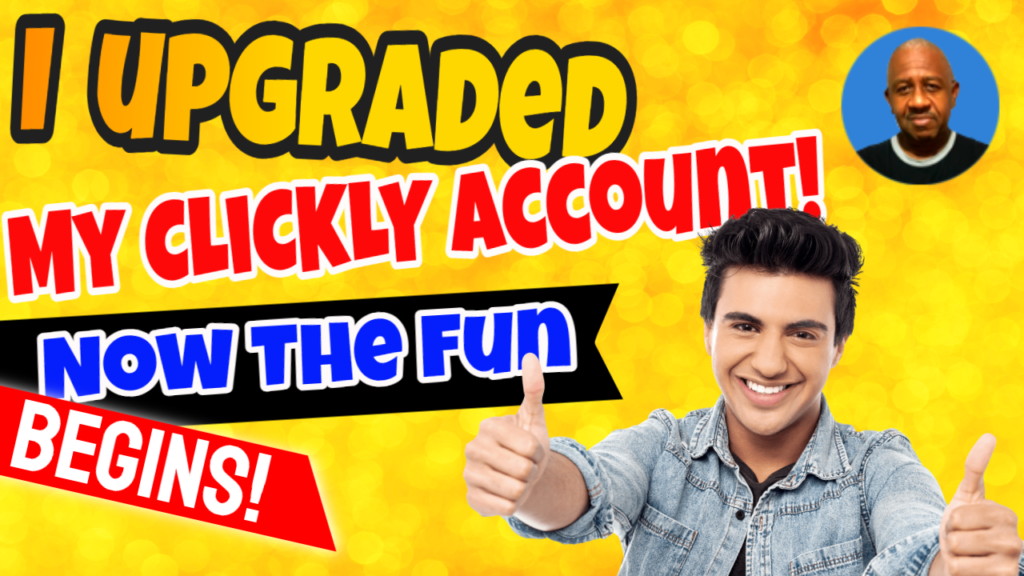
When a viewer sees your video alongside several similar options in search results or suggested videos, the thumbnail is frequently the deciding factor in whether they click.
A custom, well-designed thumbnail consistently outperforms YouTube’s automatically generated frame options.
Your thumbnail does not need professional design software.
A clear, legible design created in a free tool, paired with a short text overlay that reinforces your title, is enough for a beginner channel.
What matters most is that your thumbnail and title work together to accurately represent the video, since a mismatch between what a thumbnail promises and what the video delivers damages watch time once viewers do click through.
Watch Time: The Ranking Signal Behind Everything Else
Here is the piece of the SEO puzzle beginners most often overlook: none of the metadata above matters much if viewers click on your video and leave within the first few seconds.
Watch time — how long viewers actually stay engaged with your video — is one of YouTube’s strongest ranking signals.
A well-optimised title and thumbnail earn the click, but the content itself has to deliver on that promise to earn continued distribution.
This is precisely why the video format guide in this cluster emphasises genuine, useful content over polish — a clearly filmed, genuinely helpful review or tutorial will consistently outperform a beautifully edited video that fails to deliver real value.
In practical terms, this means your SEO strategy cannot stop at metadata.
Structure your videos so the most important information appears early, keep pacing tight enough to hold attention, and always deliver on whatever your title and thumbnail promised.
SEO Is Not a One-Time Task
One habit worth building early is revisiting older videos periodically rather than treating SEO as something you only think about at upload time.
If a video’s title or description is not performing the way you hoped after a few weeks, you can update both without needing to re-upload the video itself.
This is a genuinely underused advantage of YouTube compared to other platforms — a small metadata adjustment on an underperforming video can sometimes revive its visibility significantly.
As your channel grows and you accumulate more videos, look back periodically at which titles and descriptions correlate with your best-performing content, and apply those patterns to older videos that may simply have been published with weaker metadata in your earlier days.
This kind of ongoing refinement compounds over time in a way that a single well-optimised upload never can on its own.
Putting It Together: A Simple Pre-Upload Checklist
Before publishing your next video, confirm:
- Your primary keyword appears near the beginning of your title
- Your description opens with your primary keyword and a natural, useful summary
- You have added a handful of relevant tags, including common misspellings or synonyms
- You have uploaded a custom thumbnail that accurately represents the content
- Your video actually delivers on what the title and thumbnail promise, since watch time depends on it
Further Reading
For the most current, authoritative guidance directly from the platform, YouTube’s own Help Centre covers descriptions and tags in detail:
Tips for video descriptions — YouTube Help
Add tags to your YouTube videos — YouTube Help
FAQ
Q: What matters most for YouTube SEO — titles, descriptions, tags or thumbnails?
A: Titles, descriptions and thumbnails all carry significant weight. Tags play a comparatively minor role and are best used to cover misspellings or alternate phrasings rather than as a primary discovery strategy
Q: Should I include my keyword in the video description?
A: Yes, ideally within the first couple of sentences, written naturally rather than repeated excessively. This helps both YouTube’s algorithm and Google Search understand your video’s topic.
Q: Does video length affect SEO?
A: Length itself is less important than whether the video holds attention throughout. A shorter video that keeps viewers engaged will generally outperform a longer video where viewers drop off early.
Q: Can my YouTube videos show up in Google search results, not just YouTube’s own search?
A: Yes. Google indexes YouTube video descriptions and can surface your videos directly in search results, particularly when timestamps and clear descriptions are included.
Q: How many tags should I add to a video?
A: A handful of genuinely relevant tags is sufficient. Since tags play a minor role in discovery, there is little benefit to adding a long list, and excessive tagging can look spammy.
For more tools to help with thumbnail design, keyword research, and video production, visit our Tools and Resources page.
This has been article #4 in the YouTube Affiliate Marketing Cluster . You will find below the full listing of articles that you can follow and access the Pillar Post. for this cluster here.
1.How to Set Up a YouTube Channel for Affiliate Marketing (Beginner’s Setup Guide)
2.Best YouTube Video Types for Affiliate Marketers (Reviews, Tutorials, Comparisons)
3.Your First 90 Days on YouTube: A Beginner’s Content Plan for Affiliate Marketers
4.YouTube SEO for Beginners: How to Get Your Videos Found in 2026
5.How to Place Affiliate Links on YouTube (Description, Pinned Comments, End Screens)
6.How to Start a Faceless YouTube Channel for Affiliate Marketing (No Camera Needed)
7.YouTube and Blogging Together: How to Build a Two-Platform Affiliate Strategy
8.Common YouTube Affiliate Marketing Mistakes Beginners Make (And How to Avoid Them)