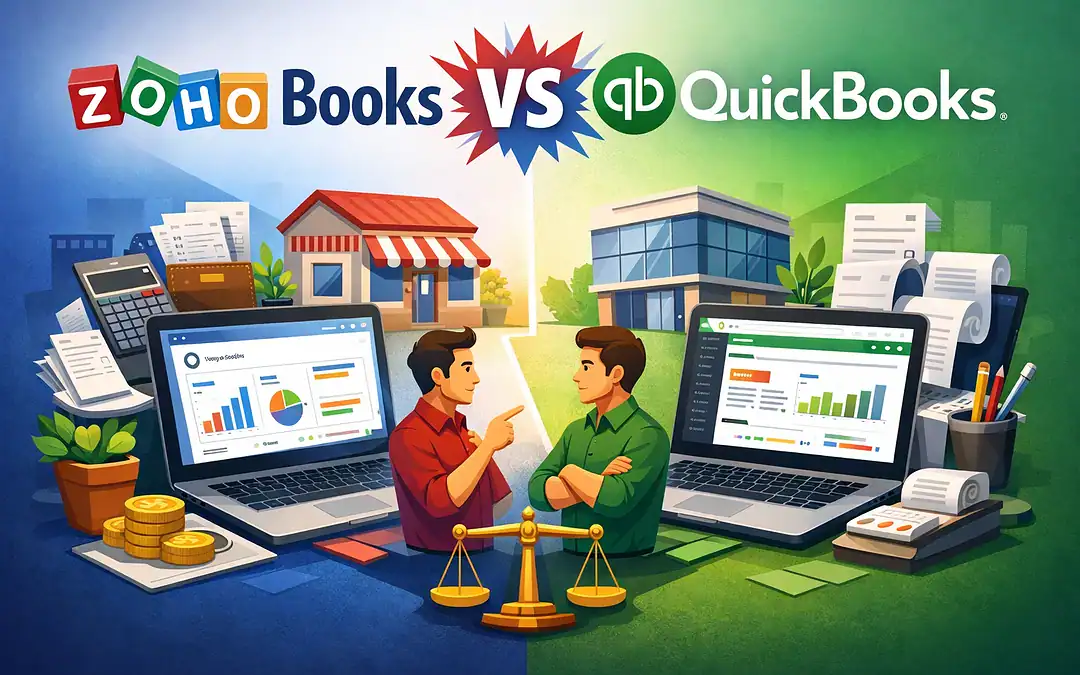
Introduction – Zoho Books vs QuickBooks
If you’re running a small business — or even just managing your online income as a blogger or affiliate marketer — there’s one conversation that comes up sooner or later.
What accounting software should I be using?
For years QuickBooks has been the automatic answer.
It’s the software your accountant knows, the one your business neighbor uses, and the one that seems to come up in every small business conversation as the default choice.
But default choices aren’t always the smartest ones — especially when a legitimate, feature-rich alternative exists that costs significantly less and delivers comparable capability for the majority of small business needs.
That alternative is Zoho Books.
In this post we’re going to do an honest, detailed comparison of Zoho Books versus QuickBooks.
We’ll look at what each platform does well, where each one falls short, and — most importantly — the very real cost difference that could put hundreds of dollars back into your pocket every year without sacrificing the functionality you actually need.
What Is Zoho Books?
Zoho Books is a cloud-based accounting software developed by Zoho Corporation — a technology company that has built an entire ecosystem of over 50 business applications covering everything from CRM and project management to HR and marketing automation.
Zoho Books handles the core accounting functions any small business needs — invoicing, expense tracking, bank reconciliation, financial reporting, payroll, inventory management, and tax preparation.
It operates entirely online meaning you can access your books from any device with an internet connection.
What makes Zoho Books particularly interesting as a QuickBooks alternative is not just its pricing.
It’s the fact that it integrates natively with the rest of the Zoho ecosystem — meaning if you’re already using Zoho CRM, Zoho Projects, or Zoho Inventory, your accounting data flows between those systems automatically without manual imports or expensive third-party connectors.
What Is QuickBooks Online?
QuickBooks Online is the cloud-based version of QuickBooks — developed by Intuit and widely regarded as the dominant accounting software for small businesses in the United States.
It holds over 66% market share in the small business accounting space, which tells you something about how established it is.
QuickBooks Online is feature-rich, widely trusted by accountants and bookkeepers, and deeply integrated with US tax and payroll systems.
It handles complex accounting needs well and is the platform most US CPAs and tax professionals are trained on — which is both its greatest strength and its most commonly cited justification for the higher price tag.
The Pricing Difference — This Is Where It Gets Interesting
Let’s talk numbers. Because this is where the conversation between Zoho Books and QuickBooks becomes very compelling for budget-conscious small business owners.
Zoho Books Pricing (2026)
Zoho Books offers something QuickBooks simply does not — a genuinely free plan.
Businesses generating under $50,000 in annual revenue can use Zoho Books at absolutely no cost, with access to core accounting features, bank reconciliation, and up to 1,000 invoices per year.
For businesses beyond the free tier, Zoho Books paid plans start at $20 per month for the Standard plan, moving to around $50 per month for the Professional plan which includes inventory tracking and multiple users.
QuickBooks Online Pricing (2026)
QuickBooks Online starts at $30 per month for the Simple Start plan.
The Essentials plan runs $60 per month. The Plus plan — which you need to access inventory management and more than three users — costs $90 per month.
The Advanced plan sits at $200 per month.
The Real Cost Comparison
To put this in clear terms — if you need the features available in Zoho Books Professional at around $50 per month, you would need QuickBooks Plus at $90 per month to access comparable functionality.
That’s a difference of $40 every single month.
Over a full year that’s $480 back in your pocket. Every year. For software that handles the same core accounting tasks.
For a new blogger, an online entrepreneur, or a small business owner watching every dollar — that difference is not trivial.
That’s money that can go toward advertising, tools, courses, or simply covering operating costs while your business builds momentum.
Feature Comparison — Where Each Platform Wins
Invoicing and Expense Tracking
Both platforms handle invoicing and expense tracking well.
Zoho Books is widely praised for its clean, intuitive invoicing interface — users consistently rate it highly for ease of use.
QuickBooks is equally capable here and offers slightly more customisation options on its higher-tier plans.
Winner: Tie
Bank Reconciliation
Both platforms connect to your bank accounts and automate transaction categorisation.
Zoho Books handles this cleanly and efficiently.
QuickBooks has a slight edge in handling more complex transaction matching for businesses with high transaction volume.
Winner: Slight edge to QuickBooks for complexity, tie for most small businesses
Reporting
This is one area where QuickBooks genuinely pulls ahead.
QuickBooks Online offers over 200 customisable report templates including cash flow forecasts, profit and loss by class, and job costing reports.
Zoho Books covers the fundamentals — profit and loss, balance sheet, accounts receivable aging — but its reporting library is smaller and less customisable.
If detailed financial analysis and custom reporting are central to how you run your business, QuickBooks is the stronger choice here.
Winner: QuickBooks
Integrations With Other Business Tools
QuickBooks wins on the breadth of third-party integrations — it connects with a wider range of non-Zoho applications out of the box.
However, Zoho Books wins decisively if you are already using or plan to use other Zoho products.
The native integration between Zoho Books, Zoho CRM, Zoho Inventory, and Zoho Projects is seamless in a way that third-party connections simply cannot match.
Winner: QuickBooks for third-party breadth, Zoho Books for Zoho ecosystem users
Automation Features
This is a genuine Zoho Books strength that often surprises people.
Even on lower-tier Zoho Books plans you can set up custom approval chains, automatic payment reminders, and recurring billing rules.
QuickBooks reserves many of its automation features for its most expensive Advanced plan.
Winner: Zoho Books
Payroll
Both platforms offer payroll as an add-on rather than a built-in feature.
QuickBooks Payroll is one of the most popular payroll solutions in the US market and integrates deeply with the accounting platform.
Zoho Payroll is a strong and capable competitor. Both handle federal and state taxes, 1099s, and direct deposits effectively.
Winner: Tie, with a nod to QuickBooks for US-based accountant familiarity
Accountant Compatibility
This is QuickBooks’ most significant practical advantage.
The vast majority of US CPAs and tax professionals are trained on QuickBooks and prefer working in it.
If you outsource your tax preparation or work closely with an accountant, this compatibility is a real consideration.
With Zoho Books you may need to export reports manually or find an accounting firm that works across both platforms.
Winner: QuickBooks
Who Should Choose Zoho Books?
Zoho Books makes the most sense for you if:
- You are a small business, solopreneur, blogger, or online entrepreneur watching your software costs carefully
- Your annual revenue is under $50,000 and you want a capable free accounting solution
- You are already using or considering other Zoho products and want a seamlessly integrated business ecosystem
- Your accounting needs are straightforward — invoicing, expense tracking, reconciliation, basic reporting
- You value clean workflow automation without paying premium plan prices
- You operate internationally and need multi-currency support — Zoho Books handles this well at lower price points than QuickBooks
Who Should Stick With QuickBooks?
QuickBooks Online remains the better choice if:
- Your accountant or CPA works exclusively in QuickBooks and you want frictionless collaboration
- You run a product-based business with complex inventory management requirements
- You need the most comprehensive financial reporting available in a cloud accounting platform
- You are scaling toward a mid-sized operation with multiple departments and complex accounting needs
- You rely on a wide range of third-party software integrations outside of the Zoho ecosystem
The Honest Verdict
For the majority of small business owners, online entrepreneurs, bloggers, and solopreneurs — Zoho Books delivers everything you actually need at a price point that is genuinely difficult to argue with.
The free plan alone is remarkable.
A fully functional accounting platform at zero cost for businesses under $50,000 in annual revenue means that for many people building their first online income stream, there is no financial barrier whatsoever to keeping professional, organised books from day one.
As you scale beyond the free tier, the paid plans remain significantly more affordable than QuickBooks equivalents while delivering comparable core functionality.
The $480 annual saving at the Professional versus Plus plan comparison is real money that compounds meaningfully over multiple years.
The areas where QuickBooks genuinely wins — advanced reporting, accountant familiarity, complex inventory — are real but they are most relevant to businesses at a level of complexity that most solopreneurs and small online business owners have not yet reached.
If you are building an online business, managing affiliate income, running a small service-based operation, or simply trying to keep clean organised books without breaking the bank on software — Zoho Books deserves serious consideration.
Try the free plan first. You may find it does everything you need without spending a cent.
Frequently Asked Questions
Q: Is Zoho Books really free?
A: Yes. Zoho Books offers a genuinely free forever plan for businesses generating under $50,000 in annual revenue.
It includes core accounting features, bank reconciliation, and up to 1,000 invoices per year for one user plus one accountant. No credit card required to get started.
Q: Can I switch from QuickBooks to Zoho Books?
A: Yes. Zoho Books supports data migration from QuickBooks.
You can import your chart of accounts, contacts, and transaction history.
Zoho also integrates with QuickBooks Online through Zoho Flow and Zapier if you need to run both platforms during a transition period.
Q: Is Zoho Books secure?
A: Yes. Zoho Books uses SSL encryption, two-factor authentication, and regular data backups.
Zoho Corporation is a well-established technology company with enterprise-level security standards across its entire product suite.
Q: Do accountants know how to use Zoho Books?
A: This varies. In the United States the majority of accountants and bookkeepers are primarily trained on QuickBooks.
If you work with an accountant check their familiarity with Zoho Books before switching. Outside the US Zoho Books has broader accountant adoption.
Q: Can Zoho Books handle multiple currencies?
A: Yes. Multi-currency support is available on Zoho Books paid plans making it a strong choice for businesses operating internationally or dealing with clients in different currencies.
Q: How does Zoho Books compare to other QuickBooks alternatives like Xero or FreshBooks?
A: Zoho Books is competitive with both.
FreshBooks is simpler but less feature-rich for businesses beyond basic invoicing. Xero is comparable in capability to Zoho Books but sits at a higher price point.
For value at every tier Zoho Books is difficult to beat.
Q: Is the Zoho Books mobile app good?
A: Zoho Books has mobile apps for both iOS and Android.
The apps handle invoicing, expense capture, and basic reporting well though some users note the desktop version offers more functionality for complex tasks.
Q: What should I do if I’m just starting out and not sure which to choose?
A: Start with the Zoho Books free plan.
It costs nothing, requires no commitment, and gives you real hands-on experience with a capable accounting platform.
You can always upgrade or switch later as your needs evolve — but for most new online business owners the free plan will serve you well for longer than you might expect.
Managing your online business finances properly from day one sets the foundation for sustainable growth. Whether you choose Zoho Books or QuickBooks, the most important thing is that you choose something and use it consistently.